Every page on your site sends a silent signal to Google
When Googlebot visits a page, the very first thing your server sends back isn't the content — it's a three-digit number. That number tells Google whether the page is fine, has moved, doesn't exist, or is broken. And Google takes these numbers very seriously.
The status codes that matter for SEO
200 — Everything's fine
This is what you want. The page exists, the content loaded, everybody's happy. Most of your pages should return 200.
301 — Permanently moved
The page has a new address. Google transfers the ranking power to the new URL. Use this when you permanently change a URL structure.
302 — Temporarily moved
The page is at a different URL for now, but it'll come back. Google keeps the original URL in the index. The problem? Many sites use 302 when they mean 301, which confuses Google about which URL to rank.
404 — Not found
The page doesn't exist. If Googlebot follows a link and hits a 404, that link's value is lost. A few 404s are normal (deleted pages), but too many signal a neglected site.
410 — Gone
Like 404, but intentional. It tells Google "this page was deliberately removed, stop looking for it." Google drops 410 pages from the index faster than 404s.
500 — Server error
Something broke on your end. If Google encounters 500 errors repeatedly, it may reduce crawl rate or de-index affected pages. This is an emergency — fix it immediately.
503 — Temporarily unavailable
The server is down for maintenance. Google will come back later. Use this during planned downtime so Google doesn't think your site is dead.
Red flags to watch for
| Pattern | What it means |
|---|---|
| Many 404s on internal links | Broken internal link structure |
| 302s that should be 301s | Ranking power isn't transferring properly |
| 500 errors on important pages | Lost traffic and potential de-indexing |
| Redirect chains (301 → 301 → 301) | Wasted crawl budget, diluted link equity |
| Soft 404s (200 status on empty pages) | Google indexes worthless pages |
Soft 404s — the hidden trap
A soft 404 is when a page returns a 200 status code but shows "page not found" content. To a browser, it looks like a normal page. To Google, it's confusing — the server says "everything's fine" but the content says "nothing here."
Google is getting better at detecting these, but they still waste crawl budget and pollute your index.
How to audit status codes
Checking status codes one by one is impractical. An automated crawl should:
- Report the status code of every page
- Flag 4xx and 5xx errors
- Detect redirect chains and loops
- Identify soft 404s
- Find 302s that should be 301s
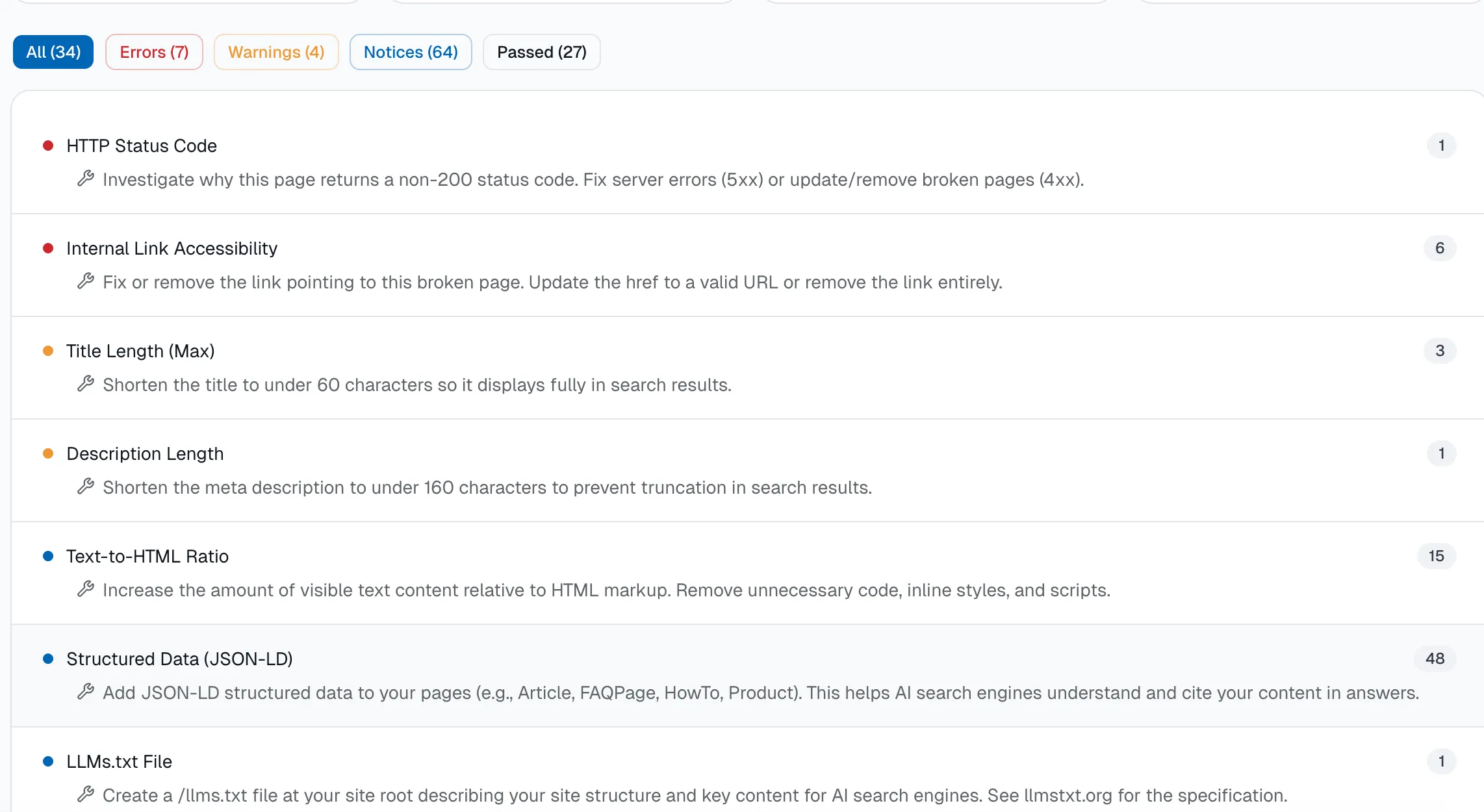
Kaitico records the HTTP status code of every crawled URL and flags errors, redirect issues, and soft 404s in your audit report.